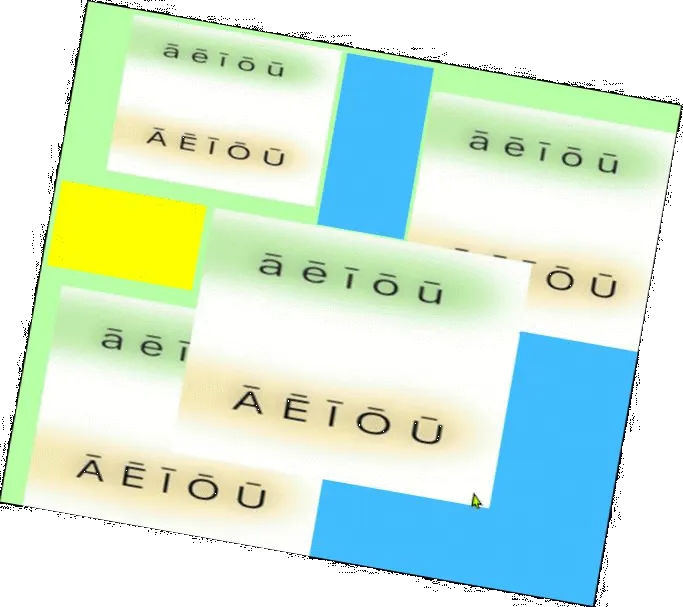
This easy to follow free ebook will guide you through installing a Māori Keyboard on Windows & Mac OS.
What are these Macrons and why do we need them?
That little line sitting above some of the vowels in Māori words is called a macron. A macron denotes a doubling of the vowel sound, as seen in the word Māori& Kāpiti. It’s important we include macrons as they are required to correctly spell many Māori words & place names.
How will this eBook help?
The PDF ebook contains step-by-step instructions on how to install a Māori Keyboard and type macrons on many vowals. It has screenshots to help make following the guide as easy as possible.
Why is it an eBook?
We made this resource a pdf ebook so it can be shared easily via email and followed offline. By filling in the form below you will automatically be emailed a copy of the ebook. Joining our email list isn’t required, but if your interested in staying ahead on business IT news then it’s worth giving it a read. If you get stuck or need help while following our guide, our help desk is always available to help - no matter where you are located in New Zealand.