Kāpiti-based helpdesk · 8am to 5pm, Monday to FridayCall 04 297 1040
Webinars & videos

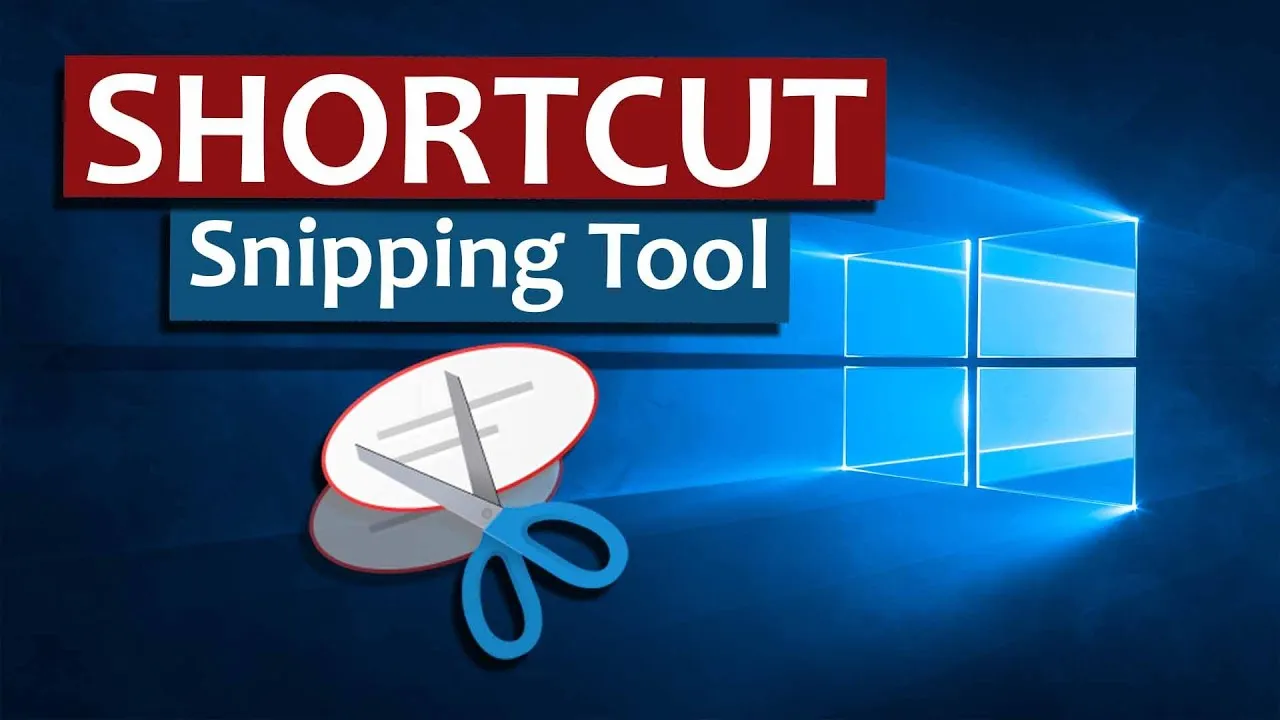
Need to Know Series – Windows + Shift + S Shortcut

One of our Dr clients was pleased to learn about this effortless yet valuable shortcut. The Windows key + S allows you to take a screen clip, which you can…

Video1 min read

One of our Dr clients was pleased to learn about this effortless yet valuable shortcut. The Windows key + S allows you to take a screen clip, which you can paste as an image into other programs. Dead simple, mega handy. In this ‘need to know’ concise video, Mark shows you how and gives ideas for how to use it.

Share this link with your team to improve their productivity.

Productivity Tips

Talk to GTB about your IT

Call, message or email. A GTB person replies within one business day.